To update your coverage, follow the steps below:
- Log into Appraisal Scope
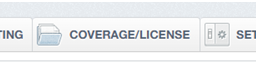
- Choose the Coverage/License Tab
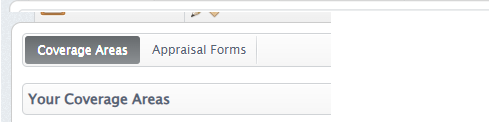
- Choose the subtab “Coverage Areas”
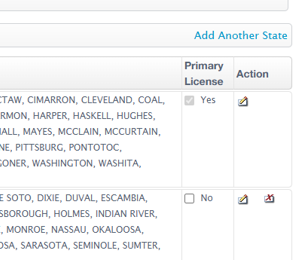
- Update coverage area for each state you are licensed in by selecting the edit icon under the “Action” column
- Select all counties that you accept work in
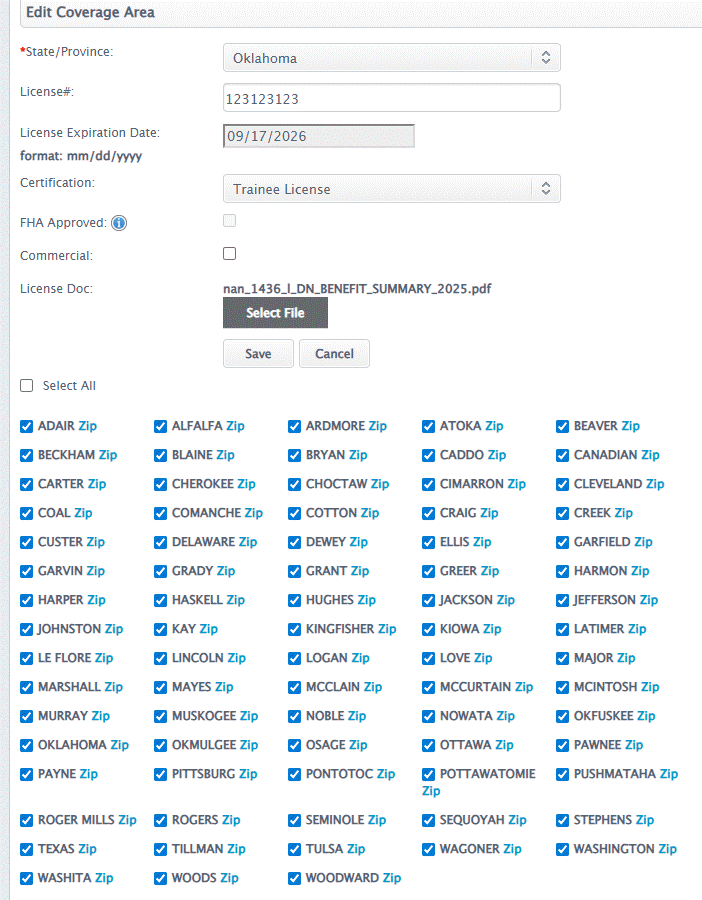
- Hit “Save”
Was this article helpful?
That’s Great!
Thank you for your feedback
Sorry! We couldn't be helpful
Thank you for your feedback
Feedback sent
We appreciate your effort and will try to fix the article