To update your W9 information, follow the steps below:
- Log into Appraisal Scope
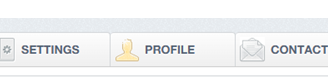
- Choose the Profile Tab to update the W9 details
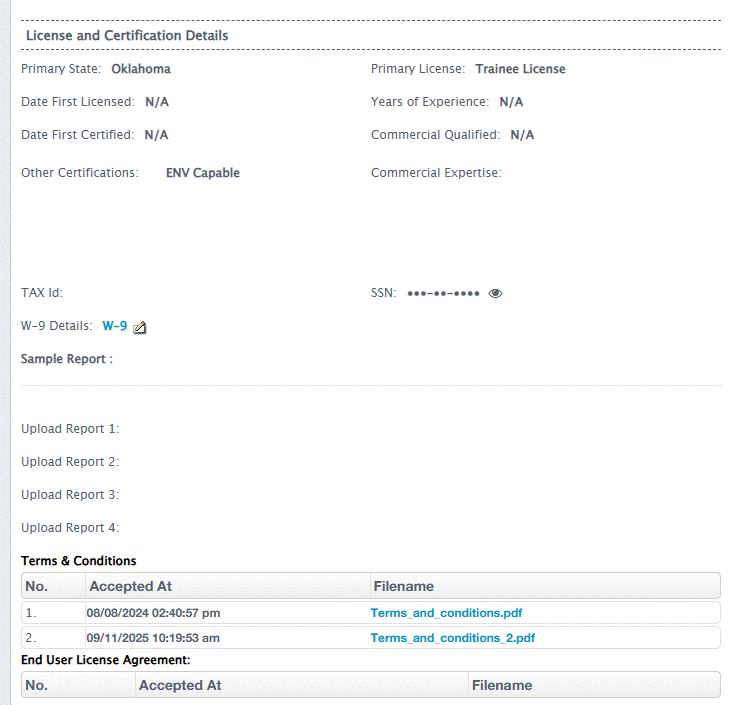
- Scroll down to the Tax ID section
- Click on edit icon next to the blue W-9 hyperlink
- Update/Input applicable W-9 information
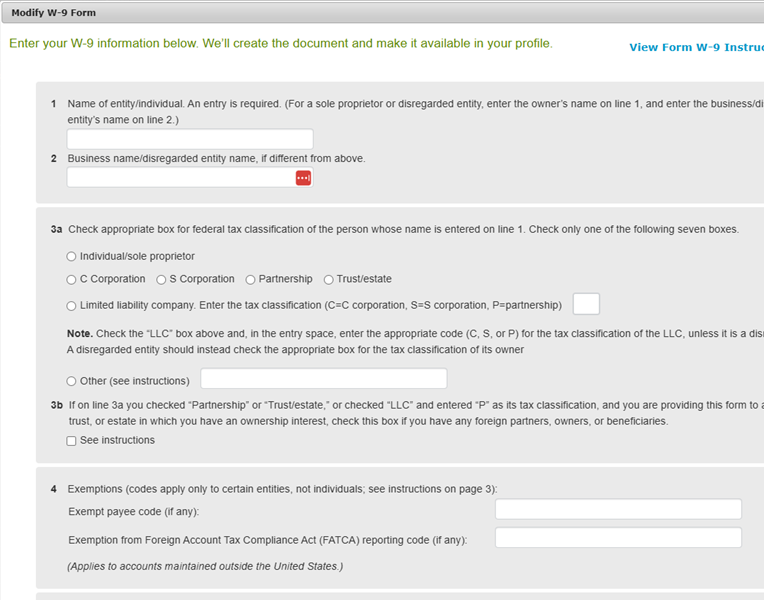
- Ensure a full name and date are provided in the last section and click the checkbox for “Electronic signature acknowledgement”:

- Hit “Save” once you have reviewed the information
*If you encounter a problem with the information not saving correctly, please log out of appraisal scope and the browser completely. Then log back in and make the required changes.
Was this article helpful?
That’s Great!
Thank you for your feedback
Sorry! We couldn't be helpful
Thank you for your feedback
Feedback sent
We appreciate your effort and will try to fix the article